
Deprecated: Using null as an array offset is deprecated, use an empty string instead in /home/u876752588/domains/capria.vc/public_html/wp-content/plugins/jet-engine/includes/components/blocks-views/dynamic-content/manager.php on line 113
Model Your Agentic Costs Before Deployment
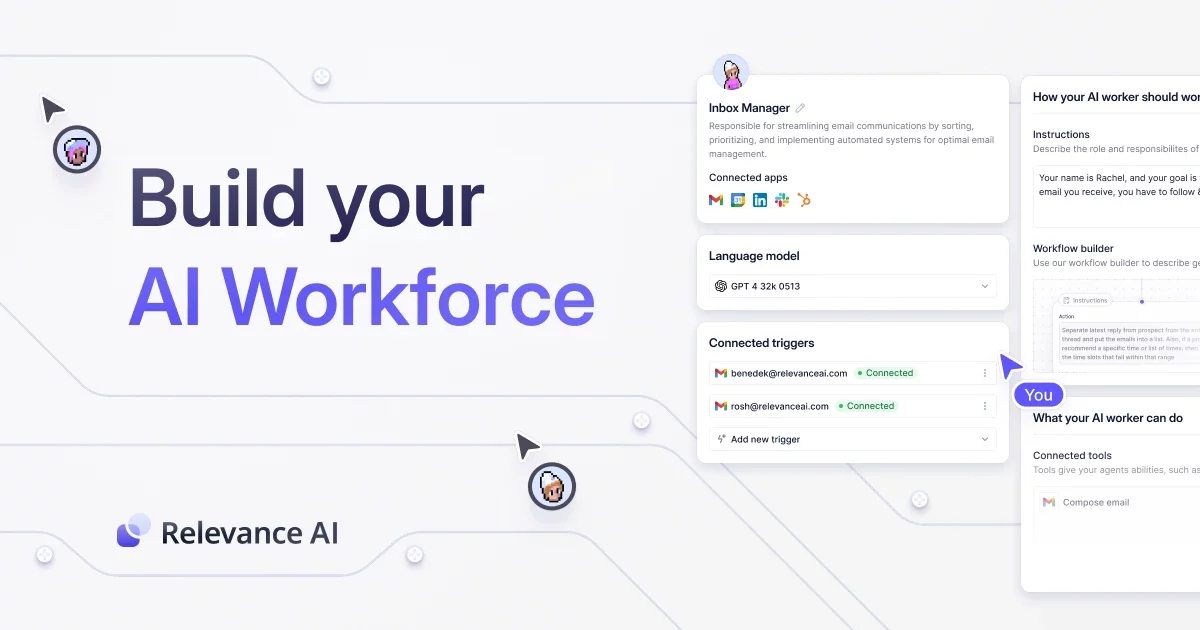
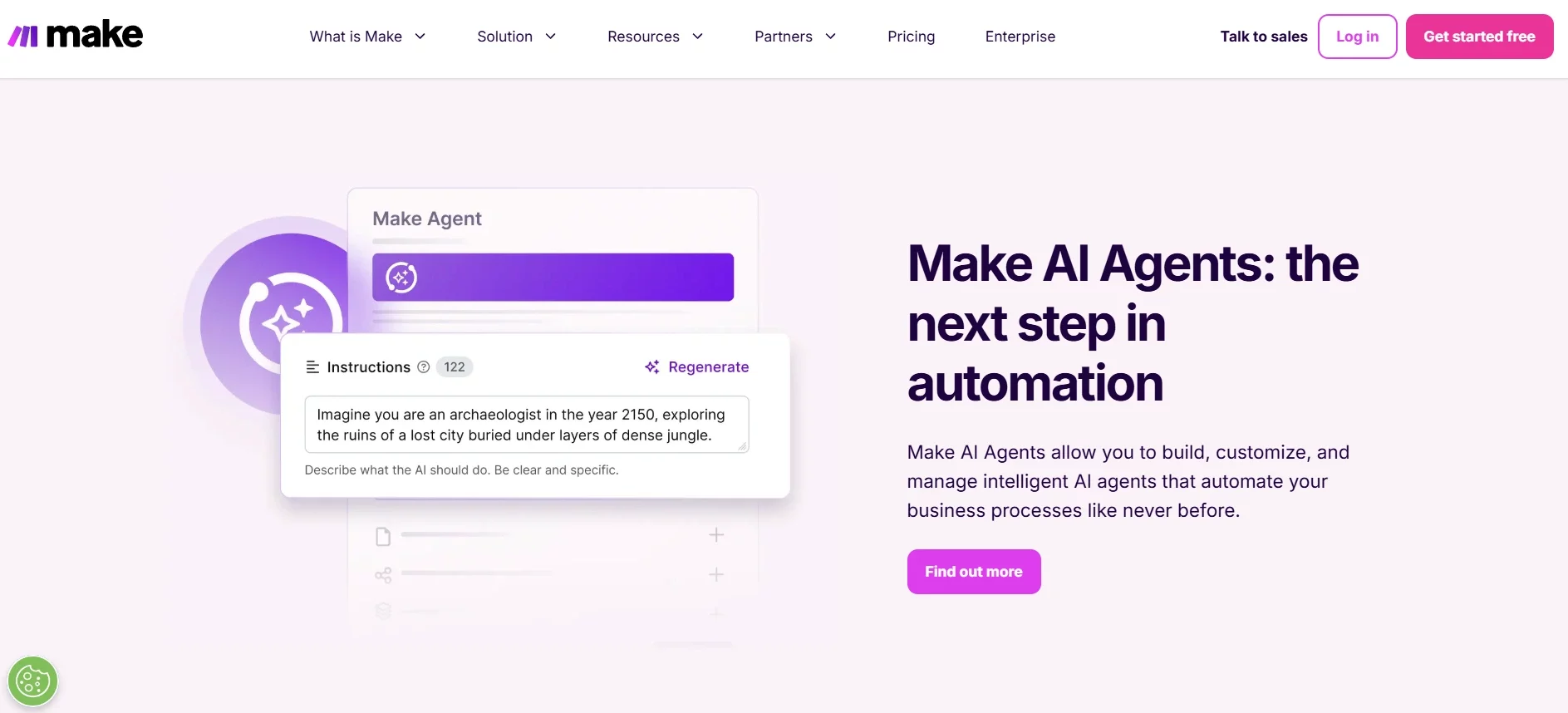
This document outlines the pricing structures for two platforms: Relevance AI, which utilizes a credit-based system, and Make.com, which charges based on the number of operations performed within automated workflows. It details how costs are calculated in each platform, providing examples to clarify the charging mechanisms.
Relevance AI
Relevance AI operates on a credit-based system. Users are allocated a certain number of credits per month (e.g., 10,000 credits). Every time a task is executed, credits are deducted based on the operations performed.
How Charges are Applied:
1. Fixed Charges:
For each execution, there is a fixed cost based on your subscription plan.
- Free and Pro Plans: 4 credits per run
- Team Plan: 3 credits per run
- Business Plan: 2 credits per run
2. Variable Charges:
- Compute time: Some operations involving compute may be free, but anything that requires substantial compute time (like running AI models) could incur charges.
- Third-party providers (such as OpenAI for GPT models):
- If you use a third-party API without providing your own key, the platform will charge an additional 20% of the provider’s cost.
- If you provide your own API key (e.g., for GPT-4), there will be no additional charges for the API calls.
For example: If you are using “GPT3.5-Turbo 4k” and OpenAI charges $0.002 / 1k tokens.
a) If you don’t have an API key. We will charge you 1 credit / $0.0022 / 1k tokens .
b) If you do have an API key. We will charge you 0 credit / $0 / 1k tokens.
Example Costs:
- GPT-4 API Call: 3.75 credits per call
- GPT-4 Mini API Call: 0.75 credits per call
In essence, each operation in the workflow consumes a set number of credits, depending on the type of task (e.g., API calls, data processing, AI model executions). The charges are deducted from the available credits based on the complexity and scale of the operations.
Make.com:
Understanding the Key terms in Make.com:
1. Scenario
A scenario in Make.com is an automated workflow or process that defines how different applications interact and perform tasks together. For example, a scenario can be triggered by receiving data from one app, such as a new row added in a Google Sheet, and then automatically processes and stores that data in another app, such as Airtable.
2. Operations
In Make.com, every action performed by a module in a scenario is counted as an operation. Operations are the building blocks of workflows, and they represent every individual task or action that happens in a scenario.
Common operations include:
- Reading data from an app (e.g., extracting customer data from a CRM tool like Pipedrive).
- Writing data to an app (e.g., adding a new row to a Google Sheet).
- Posting a message or tweeting on social media platforms.
- Searching, creating, updating, or deleting records in an app.
- Transforming or aggregating data (e.g., changing formats or summarizing information).
Depending on the complexity of your scenario, the number of operations can vary, with some workflows consuming only a few operations while others may perform thousands of operations in a single execution.
For example:
- If you are on the Core Plan ($9/month), you get 10,000 operations per month.
If your scenario performs the following actions:
- Reads data from a CRM tool (1 operation).
- Updates a record in a database (1 operation).
- Posts a tweet on X (1 operation).
The total number of operations used will be 3, as each action is considered a single operation.
Approximately 3,333 times per month is the number of times you could run this scenario, given it uses 3 operations each time (10,000 ÷ 3 = 3,333).
You can purchase additional operations or upgrade to a higher-tier plan with more operations if you go over the 10,000 operation monthly limit.
Effectively managing costs in Relevance AI and Make.com requires understanding their respective pricing models. Both platforms offer plan upgrades and resources for further details, allowing users to optimize their usage and choose the best plan for their needs.
Conclusion
Capria has built systems using both Relevance and Make. The key thing to manage is X, Y, and Z (e.g. minimize third-party apps and complex workflows). By planning ahead with a solid understanding of the pricing from each vendor, you can maintain control of costs and ensure you don’t end up with surprise bills at the end of the month.
Resources
https://www.make.com/en/pricing
https://relevanceai.com/pricing#:~:text=%2D%20If%20you%20don’t%20have,will%20charge%20you%201000%20credits

