
Deprecated: Using null as an array offset is deprecated, use an empty string instead in /home/u876752588/domains/capria.vc/public_html/wp-content/plugins/jet-engine/includes/components/blocks-views/dynamic-content/manager.php on line 113
What is Trae AI ?
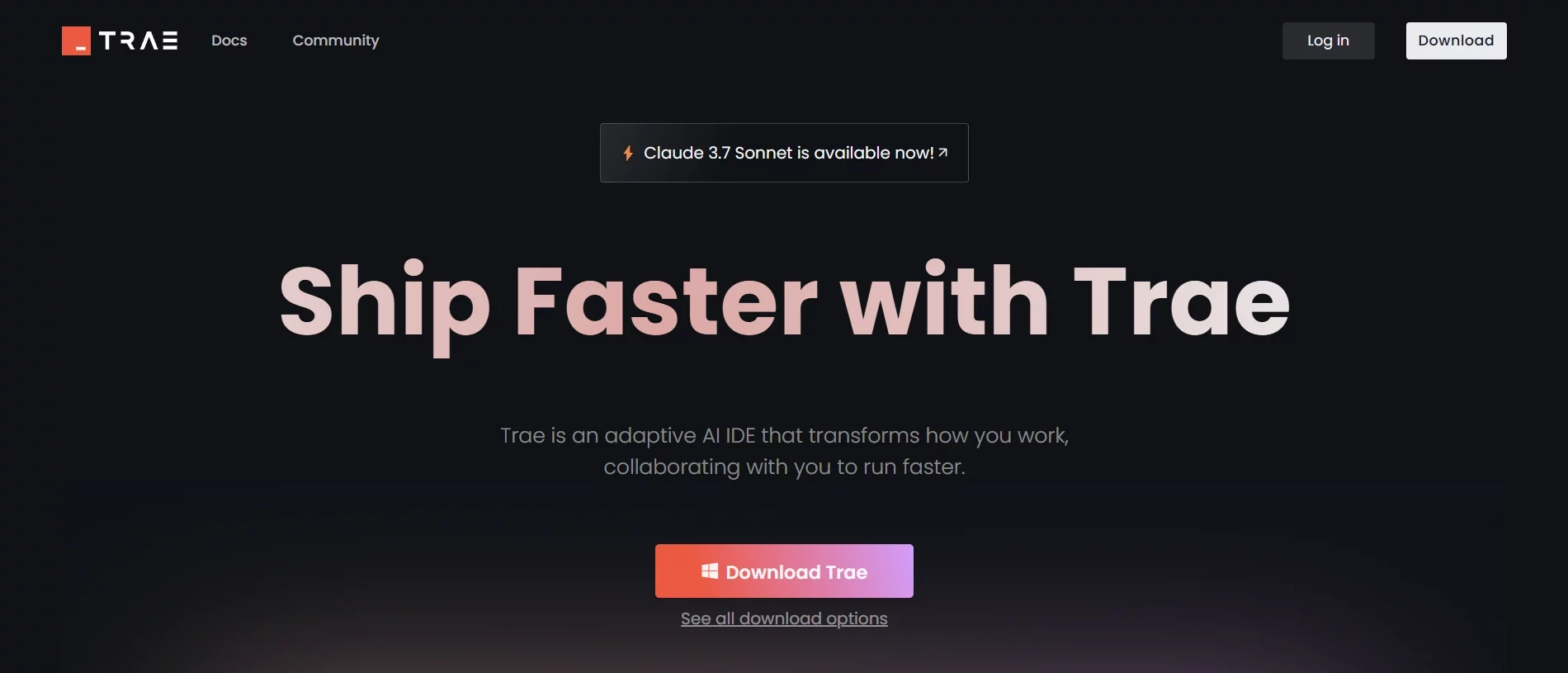
Trae AI, an AI-powered Integrated Development Environment (IDE) developed by ByteDance, the company behind TikTok, allows you to build applications, websites, tools, and extensions even if you don’t have extensive coding knowledge. Trae AI is free and uses advanced AI models, including Claude 3.7 Sonnet, to enhance developer productivity by providing real-time code assistance, intelligent task automation, and seamless project management.
Who Can Benefit from Trae AI?
- Individual Developers: Enhances productivity with AI-driven code suggestions and error detection.
- Development Teams: Facilitates collaborative coding with intelligent project structuring and task breakdown.
- Beginner Programmers: Offers guidance through complex coding tasks, making it easier to learn and implement new concepts.
- Cross-Platform Developers: Supports multiple programming languages and integrates with various development tools.
How to Set Up Trae AI on Your System
1. Download Trae AI:
Visit the official Trae website and download the version compatible with your operating system (macOS or Windows).
2. Install the Application:
Run the downloaded installer and follow the on-screen instructions to complete the installation.
3. Create an Account:
Launch Trae AI and sign up for a free account to access all features and synchronize your projects across devices.\
4. Configure Your Workspace:
Import your existing settings from Visual Studio Code or other compatible editors to personalize your development environment.
Key Features of Trae AI
- Intelligent Code Completion: Accelerates coding and minimizes errors by offering context-aware suggestions.
- Builder Mode: Streamlines development by automatically breaking down complex projects into manageable tasks.
- Conversational Programming: Allows real-time interaction with the AI assistant to ask questions, request code snippets, and clarify doubts.
- Multi-Modal Support: Accurately interprets uploaded images, diagrams, and screenshots to enhance comprehension and assistance.
- Real-Time Previews: Enables instant visualization of changes for faster debugging and iteration.
- Agent-Based AI Programming: Autonomously handles specific coding tasks, allowing developers to concentrate on higher-level problem-solving.
To know detailed features, please visit: KD Nuggets and Trae AI
Why Try It?
Trae AI, a free and feature-rich IDE, is a strong competitor to paid tools. Despite some glitches and privacy concerns, it is a worthwhile download for rapid prototyping, learning, and coding smarter.
Among the top alternatives to Trae AI are Bolt, a chat-based AI coding platform for developers, Lovable, which enables to create and deploy the web-apps with minimal coding, Replit, a cloud-based, collaborative IDE with built-in AI assistance that lets you code, run, and deploy applications directly from your browser. Other strong options include Cursor for deep codebase reasoning and GitHub Copilot for real-time code completion across languages. These tools offer flexible, intelligent workflows for modern developers.
Reference:

