
Deprecated: Using null as an array offset is deprecated, use an empty string instead in /home/u876752588/domains/capria.vc/public_html/wp-content/plugins/jet-engine/includes/components/blocks-views/dynamic-content/manager.php on line 113
Enter Ollama, a tool making waves by bringing the power of large language models (LLMs) right to your fingertips, be it on your trusty laptop or desktop. Let’s unpack what Ollama is and how it’s changing the game for developers and AI enthusiasts.
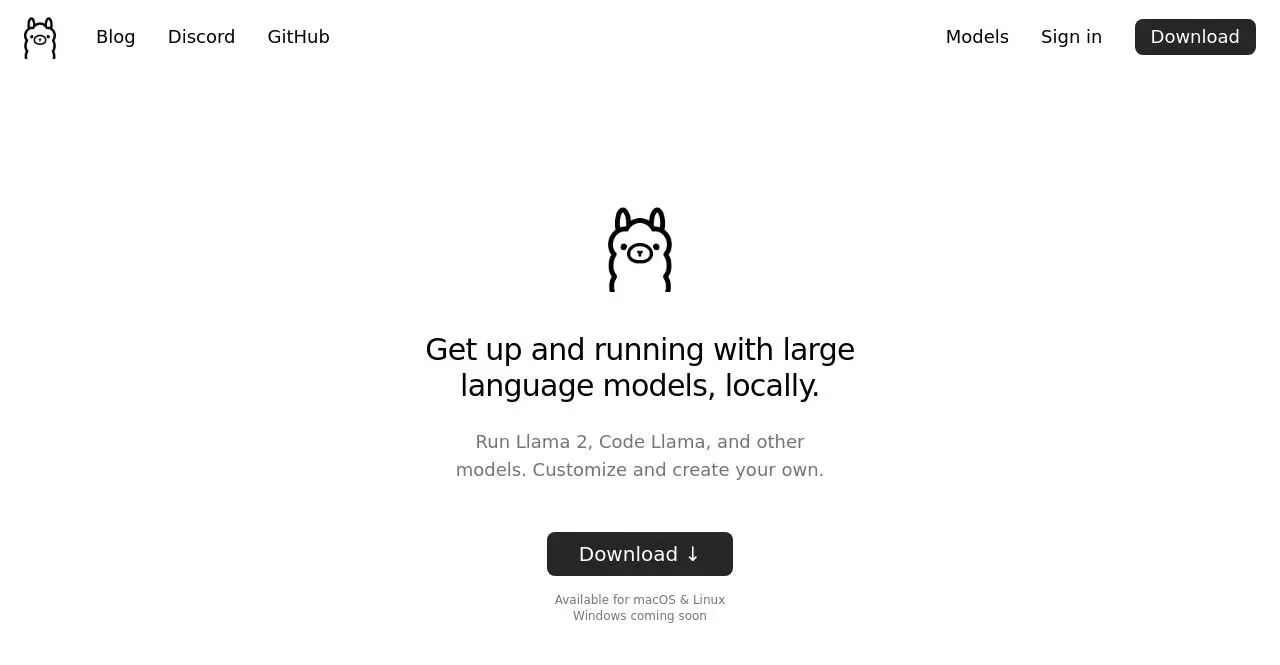
What’s Ollama All About?
Ollama is a bridge that connects you to the world of LLMs. With a straightforward API, it simplifies the process of deploying, running, and managing these models. Whether you’re coding in Python, crafting a new app, or just exploring AI, Ollama provides a suite of ready-to-use models that integrate seamlessly into your projects.
Getting Started with Ollama
Kicking things off with Ollama is a breeze. Head over to the official website, grab the preview version, and you’re all set to explore. With Ollama installed, you can dive into running various models. For example, booting up Llama 2 is as simple as:
- Allama run llama2
A Universe of Models at Your Disposal
Ollama isn’t just about one or two models; it’s an entire ecosystem. From Llama 2 to Dolphin Phi, the range caters to different needs and complexities. Here’s a snapshot:
- Llama 2: Tailored for broad language tasks with its 7-billion parameters.
- Mistral & Dolphin Phi: Each brings unique strengths, with Dolphin Phi being particularly specialized.
- Neural Chat: Perfect for chat applications, thanks to its conversational prowess.
The Tech Specs: RAM Requirements
Diving into LLMs is exciting, but remember, they’re resource-hungry beasts. The 7-billion-parameter models demand at least 8 GB of RAM, and as you climb up to the 33-billion-parameter giants, you’ll need up to 32 GB. It’s crucial to match your hardware capabilities with the models you aim to explore.
Customizing Your AI Experience
Ollama goes beyond just running models; it allows for deep customization. Importing models from various sources is straightforward, and you can even tweak prompts to fit your specific use case. For instance, setting up a Barbie-themed Llama 2 model involves just a few lines in a Model file and a couple of commands:
- ollama create barbie -f ./Modelfile
- Allama run barbie
Practical Uses: Why Ollama?
Ollama isn’t just a tool; it’s a solution to real-world problems. From debugging code with AI assistance to satisfying your tech curiosities or even staying abreast of the latest in AI without drowning in complexity, Ollama has got you covered. It’s particularly invaluable for AI developers and content creators keen on exploring new models and their capabilities.
Conclusion
Ollama stands out as a versatile, user-friendly platform that democratizes access to advanced LLMs. It aligns perfectly with the needs of today’s developers, offering a blend of power, flexibility, and simplicity. Whether you’re an AI veteran or a curious newcomer, Ollama invites you to explore the vast possibilities of language models, all from the comfort of your local setup. Dive in, and let the magic of AI unfold at your command!

