
Deprecated: Using null as an array offset is deprecated, use an empty string instead in /home/u876752588/domains/capria.vc/public_html/wp-content/plugins/jet-engine/includes/components/blocks-views/dynamic-content/manager.php on line 113
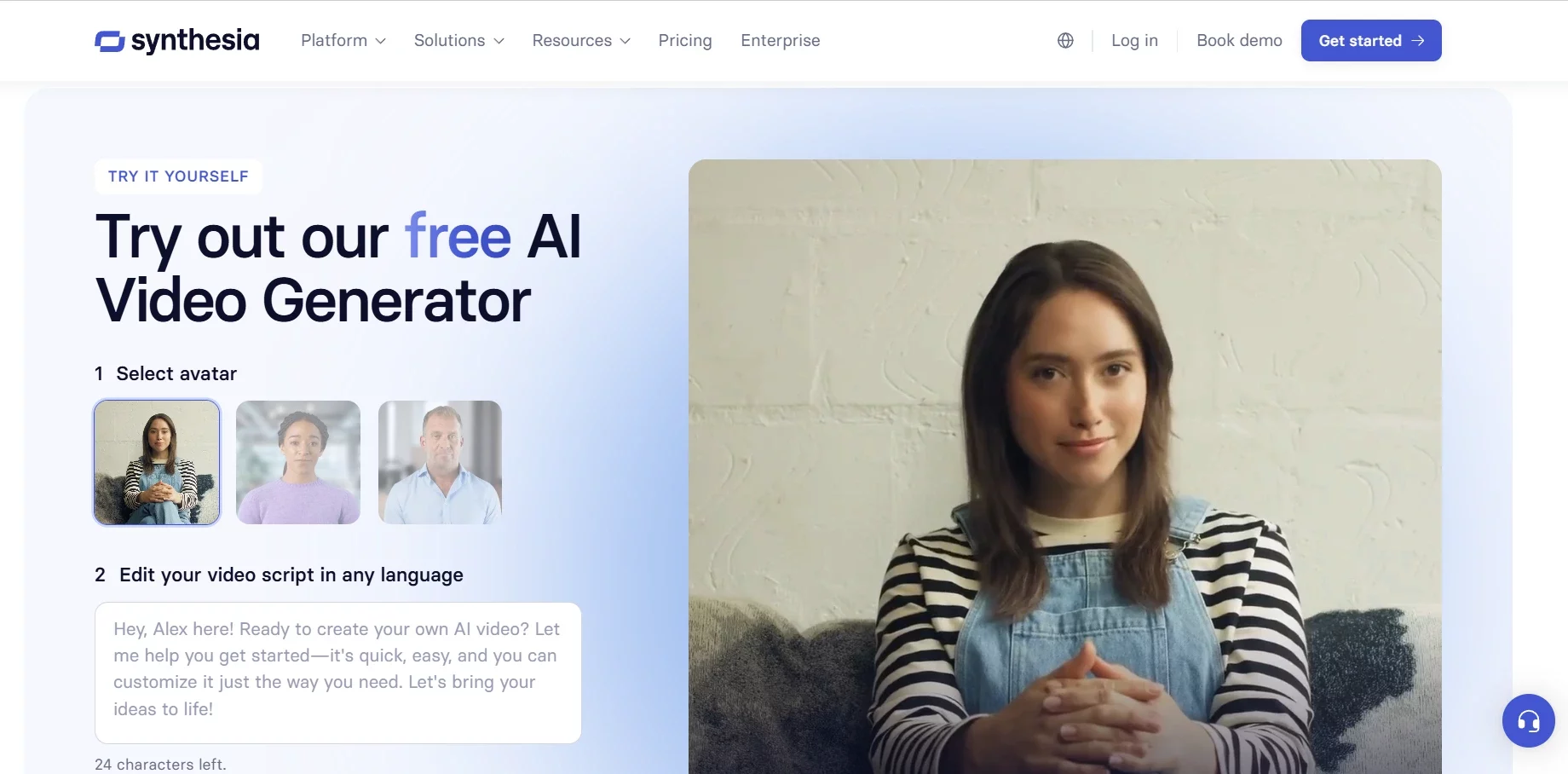
Creating professional-quality videos has always been time-consuming and expensive, requiring cameras, studios, actors, and extensive editing. Synthesia changes this by offering an AI-powered video creation platform where users can turn text into high-quality videos within minutes without needing any video production skills. With AI avatars, realistic voiceovers, and support for 140+ languages, Synthesia makes video creation scalable, cost-effective, and easy.
What is Synthesia?
Synthesia is an AI video generator that transforms text into professional-looking videos. It allows businesses to create training content, marketing videos, sales pitches, and presentations without needing cameras, microphones, or editing software.
The platform is widely used by enterprises, with 60% of Fortune 100 companies leveraging Synthesia to scale their video production efforts.
How Synthesia Works
Synthesia simplifies video creation into four easy steps:
1. Write a Script
- Users can manually enter text or generate a script using AI.
- Supports multiple languages and custom voiceovers.
- Option to extract text from documents, PDFs, or existing videos.
2. Customize the Video
- Choose from 230+ AI avatars to act as presenters.
- Adjust video layout, fonts, colors, and animations.
- Add backgrounds, images, logos, and subtitles.
3. Collaborate with Teams
- Share video drafts with colleagues.
- Receive feedback and make real-time changes.
- Version control helps track edits efficiently.
4. Export and Share
- Download videos in MP4 format.
- Generate a shareable link.
- Embed videos into LMS, CRM, CMS, and other platforms.
Key Features
Synthesia offers a range of AI-powered tools designed to simplify video production:
1. AI Avatars
- 230+ AI avatars that act as digital presenters.
- Users can create custom avatars that match their branding.
- Supports animated gestures and facial expressions for realism.
2. AI Voiceovers
- Converts text to speech in 140+ languages.
- Offers natural-sounding AI voices with different accents.
- Ability to clone voices for a personalized touch.
3. Branding & Customization
- Add logos, brand colors, and fonts.
- Pre-made templates for e-learning, onboarding, marketing, and training.
- Custom AI avatars are available for an additional fee.
4. Integrations
- Embed videos into LMS, CRM, CMS, and websites.
- Supports API access for automation.
- Works seamlessly with tools like PowerPoint for presentations.
5. Secure & Compliant
- SOC 2, GDPR, and ISO 42001 certified for data security.
- Uses AI moderation to prevent inappropriate content.
- A Dedicated Trust & Safety team ensures responsible AI use.
Pros
- Fast Video Production – Create videos in minutes instead of days.
- No Need for Cameras & Actors – AI avatars replace human presenters.
- Multi-Language Support – Over 140 languages and voice cloning options.
- Cost-Effective – Eliminates the need for expensive studio shoots.
- Enterprise-Grade Security – SOC 2 & GDPR compliant with AI moderation.
- Easy Collaboration – Share videos, collect feedback, and make real-time edits.
Cons
- Limited Free Plan – Only 3 minutes per month with 9 AI avatars.
- Robotic Voice Quality – AI-generated voices still lack human emotion in some cases.
- Not Ideal for Storytelling – Great for corporate training but not for creative filmmaking.
- Customization Limits – Branded avatars and advanced features cost extra.
- Editing Constraints – Cannot make complex scene transitions like traditional video editors.
Pricing
Synthesia offers four pricing plans based on user needs:
- Free Plan ($0/month) – 3 minutes/month, 9 avatars, watermark included.
- Starter Plan ($18/month, billed yearly) – 120 minutes/year, 125+ avatars, watermark removed.
- Creator Plan ($64/month, billed yearly) – 360 minutes/year, API access, AI dubbing, advanced avatars.
- Enterprise (Custom Pricing) – Unlimited videos, team collaboration, SSO, priority support.
Who Should Use Synthesia?
Synthesia is best suited for businesses and professionals who need corporate videos without the hassle of traditional video production. Ideal use cases include:
Training & Development – Employee onboarding, compliance training, IT security lessons.
Marketing & Sales – Product explainers, promotional content, sales enablement.
E-Learning – Educational videos, course content, multilingual training.
Corporate Communications – Internal updates, executive messaging, and company-wide announcements.
Final Verdict
Synthesia is an excellent AI video tool for businesses looking to save time and money on video production. It simplifies training, marketing, and corporate communication, making it easy to generate professional videos without technical expertise.
While it has some limitations in customization and voice realism, its speed, efficiency, and scalability make it a game-changer for businesses looking to create videos at scale.

