
Deprecated: Using null as an array offset is deprecated, use an empty string instead in /home/u876752588/domains/capria.vc/public_html/wp-content/plugins/jet-engine/includes/components/blocks-views/dynamic-content/manager.php on line 113
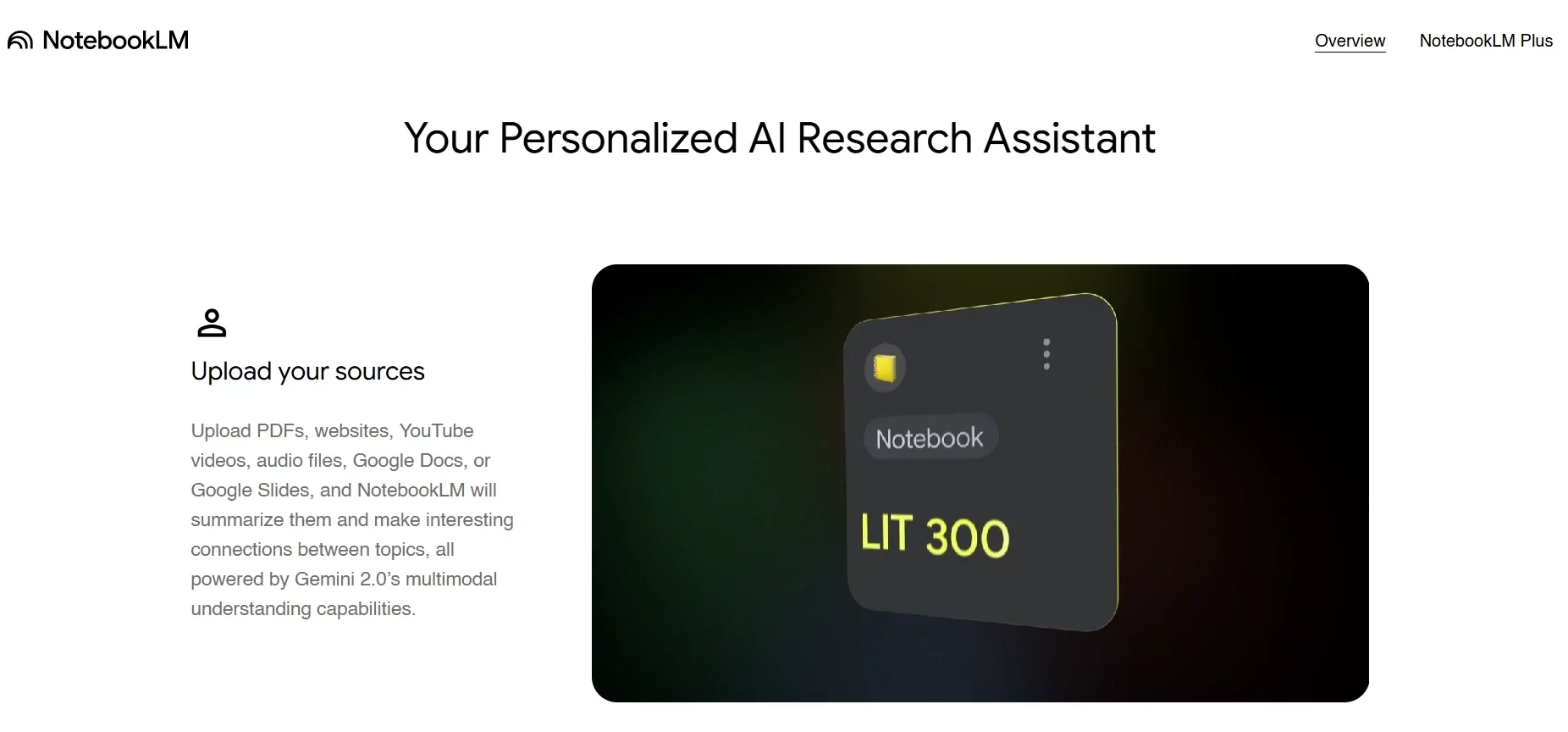
NotebookLM, a Google Labs creation, is your go-to AI tool for turning messy notes and documents into clear answers. Imagine uploading a pile of files—reports, PDFs, or scattered ideas—and having an assistant that not only reads them but answers your questions based solely on what you provide. Whether you’re a professional piecing together project details or a techie organizing research, NotebookLM makes information work for you, fast and reliably.
What This Tech Tool Offers
NotebookLM offers a smart way to manage and use your documents. It’s powered by Google’s Gemini AI, but unlike typical chatbots, it focuses only on the files you upload—think of it as a personal expert on your stuff.
Want to pull answers from scattered sources, like meeting notes and emails, without hunting through them? It merges them into one clear response. Plus, it’s less prone to making things up (what techies call “hallucination”), so you get trustworthy outputs.
For example, a marketer could upload competitor analyses and get a single, sharp summary.
How This Tool Works
Using NotebookLM is straightforward, even if you’re not a tech wizard.
- First, sign up with a Google account (or use an existing one).
- Head to the NotebookLM site, create a new notebook, and upload your documents—PDFs, text files, anything you’ve got.
- Then, start asking questions like, “What’s the main point of this report?” or “List the key stats here.”
- You can check or uncheck specific files to focus its answers—like selecting only last month’s sales data for a question about trends. It scans your chosen documents and delivers responses tailored to them, no outside guesses needed.
Unique Things
- It lets you toggle documents on or off for each question, giving you control over its knowledge base—perfect for a researcher who wants answers from just two of ten uploaded studies.
- Its low hallucination rate means fewer made-up answers.
- It also excels at merging scattered info into one output—imagine turning random team notes into a unified action list.
- Built on Gemini AI, it’s fine-tuned to stick to your files, making it a reliable, customizable sidekick for any task.
Pros and Cons
Pros: It saves time by summarizing vast data—like turning a 50-page report into bullet points in minutes. Its customization (selecting documents per query) suits diverse needs, from educators to coders. The free version is accessible, and NotebookLM Plus boosts capacity. Its focus on your files minimizes errors.
Cons: It’s limited to uploaded content—if files are incomplete, answers are too. Free users face caps (50 queries, 3 audio generations daily), and Plus still requires a subscription. It lacks creativity, sticking strictly to your data, which might frustrate brainstormers.
Pricing and Features based on the version of NoteBook LM
NotebookLM (Free Version):
- Requires a Google account.
- Offers 15GB storage.
- Includes basic Gemini features.
- Supports up to 100 notebooks.
- Allows up to 50 sources per notebook.
- Provides up to 50 chat queries per day.
- Includes up to 3 audio generations per day.
- The following sources are supported by Notebook LM:
- Google Docs, Google Slides, PDF, Text and Markdown files, Web URLs, Copy-pasted text, Youtube URLs of public videos, Audio files
NotebookLM Plus (Google One AI Premium):
- Part of Google One AI Premium subscription.
- Costs $26.99/month after a free trial (first month $0).
- Unlocks 5x usage limits.
- Supports up to 500 notebooks.
- Allows up to 300 sources per notebook.
- Provides up to 500 chat queries per day.
- Includes up to 20 audio generations per day.
- Offers 2TB storage.
Enterprise Options:
- Available via Google Workspace eligible editions.
- Accessible through Google Cloud.
- Includes additional privacy and security features (e.g., VPC-SC, IAM controls).
Additional Information:
- Check Google One AI Premium for full details.
Conclusion
NotebookLM is a game-changer for anyone drowning in documents, offering a reliable, user-friendly way to extract insights. Its free tier is a solid start, while NotebookLM Plus caters to power users with enhanced limits and collaboration tools. Though it’s not perfect—limited by input and creativity—it’s a must-try for professionals and techies alike. Upload a file today and see your productivity soar!

