
Deprecated: Using null as an array offset is deprecated, use an empty string instead in /home/u876752588/domains/capria.vc/public_html/wp-content/plugins/jet-engine/includes/components/blocks-views/dynamic-content/manager.php on line 113
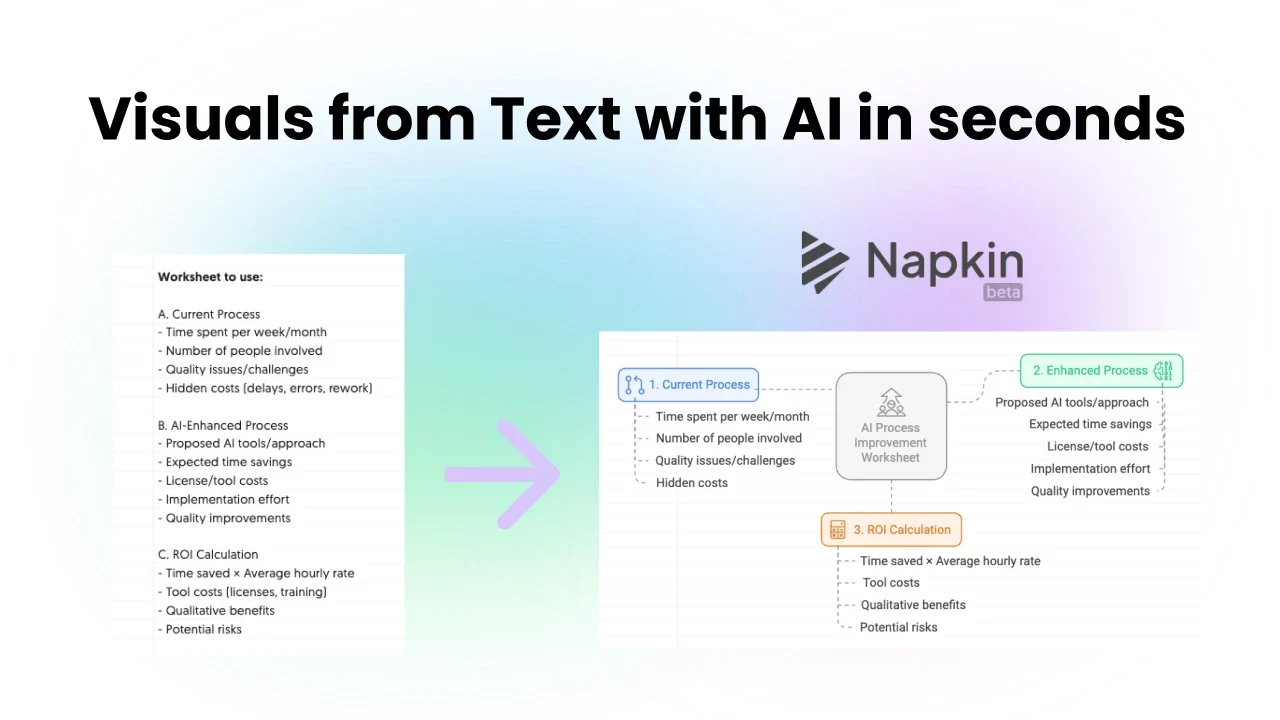
Napkin AI is an innovative tool designed to transform text into visual content using artificial intelligence. It’s a document editor that helps users create engaging visuals like diagrams, flowcharts, infographics, and sketches directly from written input. The idea is to make communication more effective by turning complex ideas or data into clear, customizable graphics, think of it as your personal designer.
Here’s how it generally works
- Napkin AI transforms text input into relevant visuals automatically.
- Users can customize these visuals by adjusting colors, fonts, icons, and layouts.
- Napkin AI supports export of the visuals in PNG, PDF, and SVG formats, ideal for presentations, reports, and social media.
- User-friendly interface, no design skills required.
- Often includes real-time collaboration and AI-driven suggestions for visual styles.
Key Features
- Text-to-Visual in Seconds: Describe the concept, and the AI generates diagrams for you.
- Brand Customization: Easily match your company’s colors, fonts, and styles.
- Collaborative Editing: Share with teammates for comments and real-time edits.
- Multiple Export Formats: Ideal for use in decks, blogs, social posts, or internal docs.
Pricing
| Plan | Features |
| Starter (Free) | Create up to 3 Napkins, 3 color options, Day Mode, community support, basic editing tools. |
| Professional (Free during beta) | Unlimited Napkins and visuals, Day & Night Modes, 12 colors, collaboration, priority support. |
| Enterprise (Coming Soon) | Custom color palettes, advanced admin controls, premium support, early feature access. |
Final Thoughts
Napkin AI isn’t just another AI tool, it’s a productivity multiplier. In just a few clicks, it transforms ideas into polished visuals, making it easier to pitch, present, and persuade. Whether you’re building decks, writing strategy docs, or explaining workflows, Napkin AI helps your message land with impact.
A Demo
Here is an example of it:
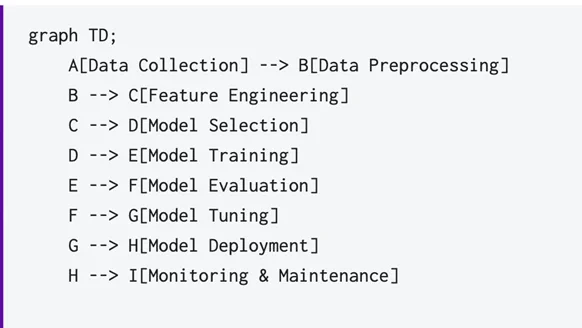
An ML pipeline which I want a visual representation of.
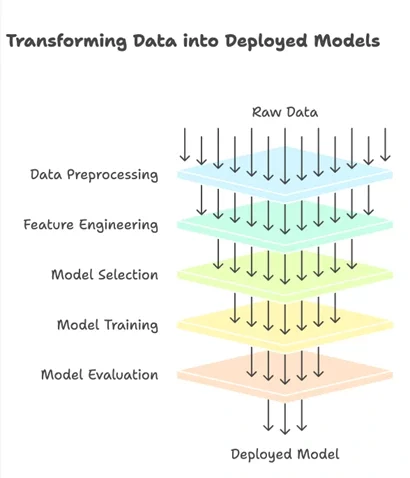
Text Converted into Visual
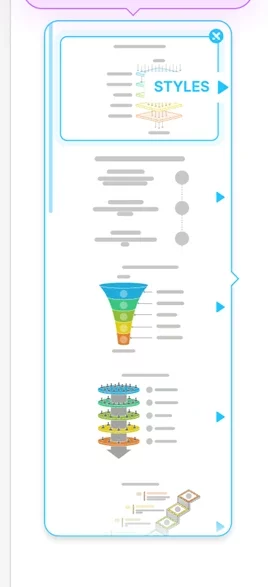
Different Styling options
References
- https://www.napkin.ai/pricing/
- https://www.napkin.ai/

