n8n is a no-code / low-code automation platform that allows you to build workflows by connecting different services, applications, and APIs. It is designed to automate manual tasks and make repetitive work more efficient.
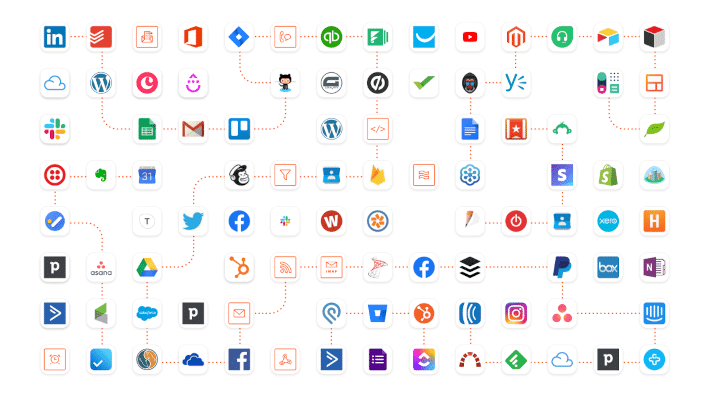
With n8n, you can integrate with hundreds of platforms like Gmail, Slack, Notion, Airtable, Google Sheets, custom APIs, and more, all without writing much (or any) code. You can build automations ranging from simple notifications to complex multi-step processes.

Think of n8n like a Lego set. The platform itself is your workspace, and each node like Gmail, Slack, or an API, is a Lego block. Just as you can snap Lego pieces together in countless ways to build exactly what you want, you can snap nodes together in n8n to create workflows tailored to your needs.
Another benefit of n8n is that it supports self-hosting. This means you can install and run n8n on your own server, giving you full control over your data and infrastructure—ideal for teams that prioritize security or want to avoid subscription costs.
Core Concepts in n8n
Trigger Node
A Trigger Node is what starts the workflow. It listens for a specific event to occur, such as receiving a new email, a webhook being called, or a scheduled time being reached. This node is always the first step in the workflow.
Example: A Gmail Trigger Node activates when a new email is received in your inbox.
Action Node
An Action Node performs a task once the workflow has been triggered. It is one of the building blocks of automation. Every app or service integrated with n8n, like Slack, Gmail, WhatsApp, Asana, has its own Action Node that performs a defined action, such as sending a message or creating a record.
Example: A Slack Action Node can send a message to a specific channel or user.
Complete Workflow = Trigger Node + Action Node
A complete workflow in n8n typically starts with a Trigger Node and is followed by one or more Action Nodes. The Trigger defines when the workflow begins, and the Action Nodes define what happens next.
For example:
- Trigger Node: New email received in Gmail
- Action Node: Send a notification to a Slack channel
This setup creates an automated flow that removes the need for manual checking and communication.
Variables
Variables in n8n are used to temporarily store and pass data between nodes. This might include information such as a sender’s name, an email subject line, a task ID, or the contents of a message. Variables are essential for dynamic workflows, allowing you to personalize and route data intelligently throughout your process.
| Concept | N8n Equivalent |
| Lego baseplate | Trigger Node |
| Lego blocks | Action Nodes |
| Finished Lego build | Workflow |
| How blocks snap | Data flow between nodes |
| Stickers/labels | Variables (custom data) |
Total integrations of n8n
https://n8n.io/integrations/
An example workflow explanation
Send a Slack notification every time a new email arrives in Gmail from a specific sender or with a particular subject

Explanation:
Here’s what you have set up in your workflow that starts with the Gmail Trigger node:
1. Gmail Trigger Node
- This node is set to watch for new emails in your Gmail account.
- It uses the search filter: “Urgent” (so it triggers only when a new email arrives with “Urgent” in the subject or body).
- The trigger checks for new emails every day at 12:00 PM.

2. Slack Node
- When the Gmail Trigger detects a matching email, it sends a Slack message.
- The message is sent to a specific Slack user (user ID: U08FLQQKN8Z, cached as “aanalp”).
- The message text is:
- Please check your Urgent email from Aanal!
- The Slack node uses OAuth2 authentication with your connected Slack account.

Output:

This message was received in a personal Slack chat after I triggered the workflow.